Focus on what matters. One task at a time.
TOT helps you stay focused by showing one task at a time. Perfect for anyone who wants to be more productive and less overwhelmed.
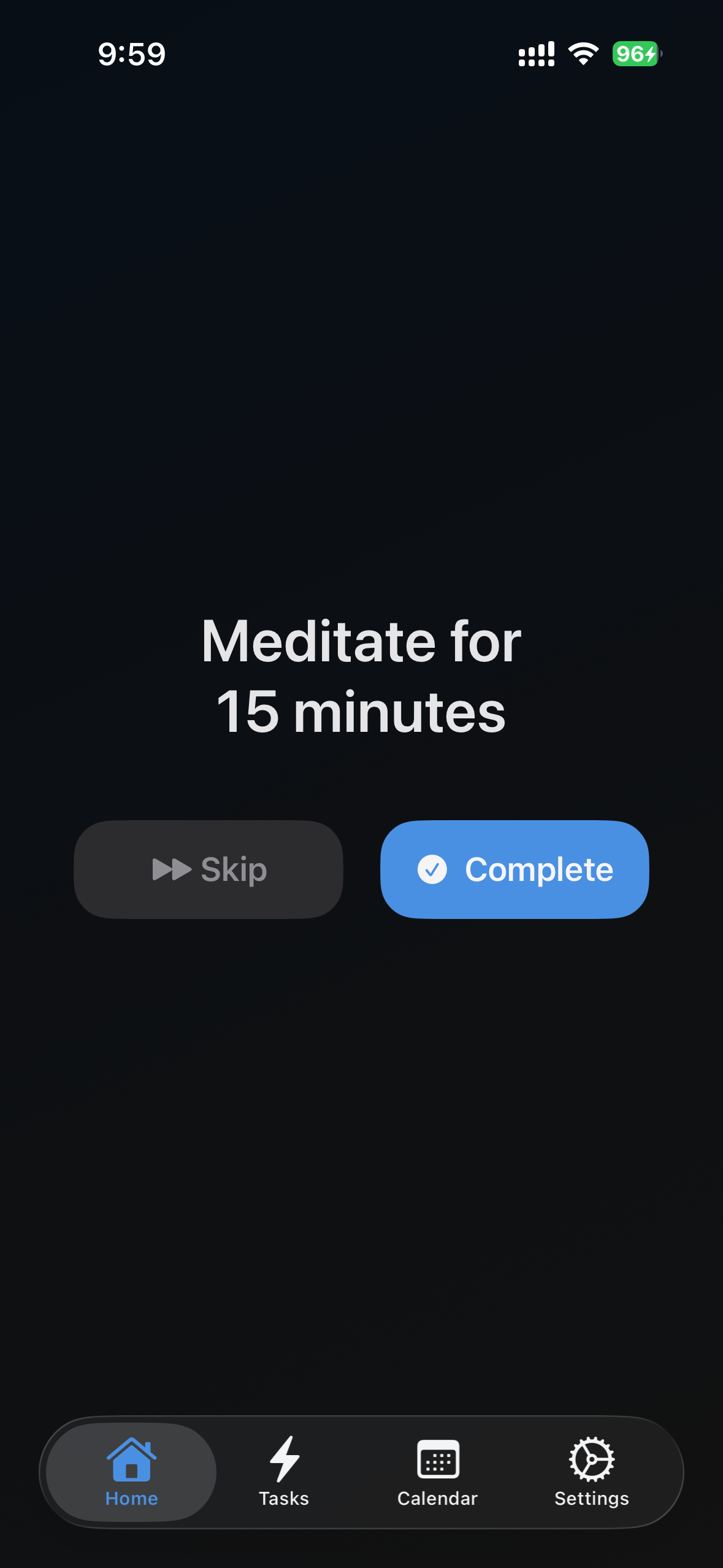
See only your next task. Skip distractions and complete what matters most.
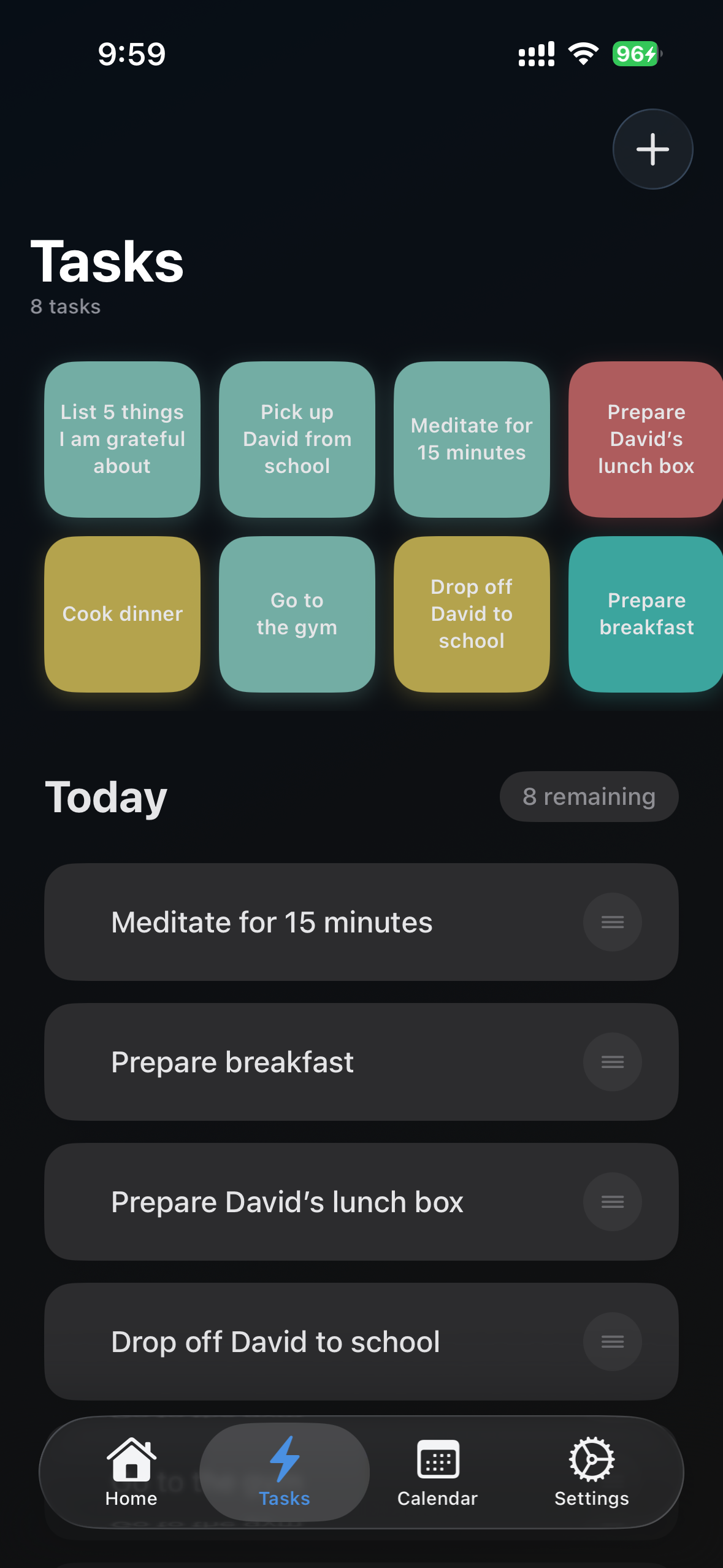
Create, organize, and track all your daily tasks in one place.
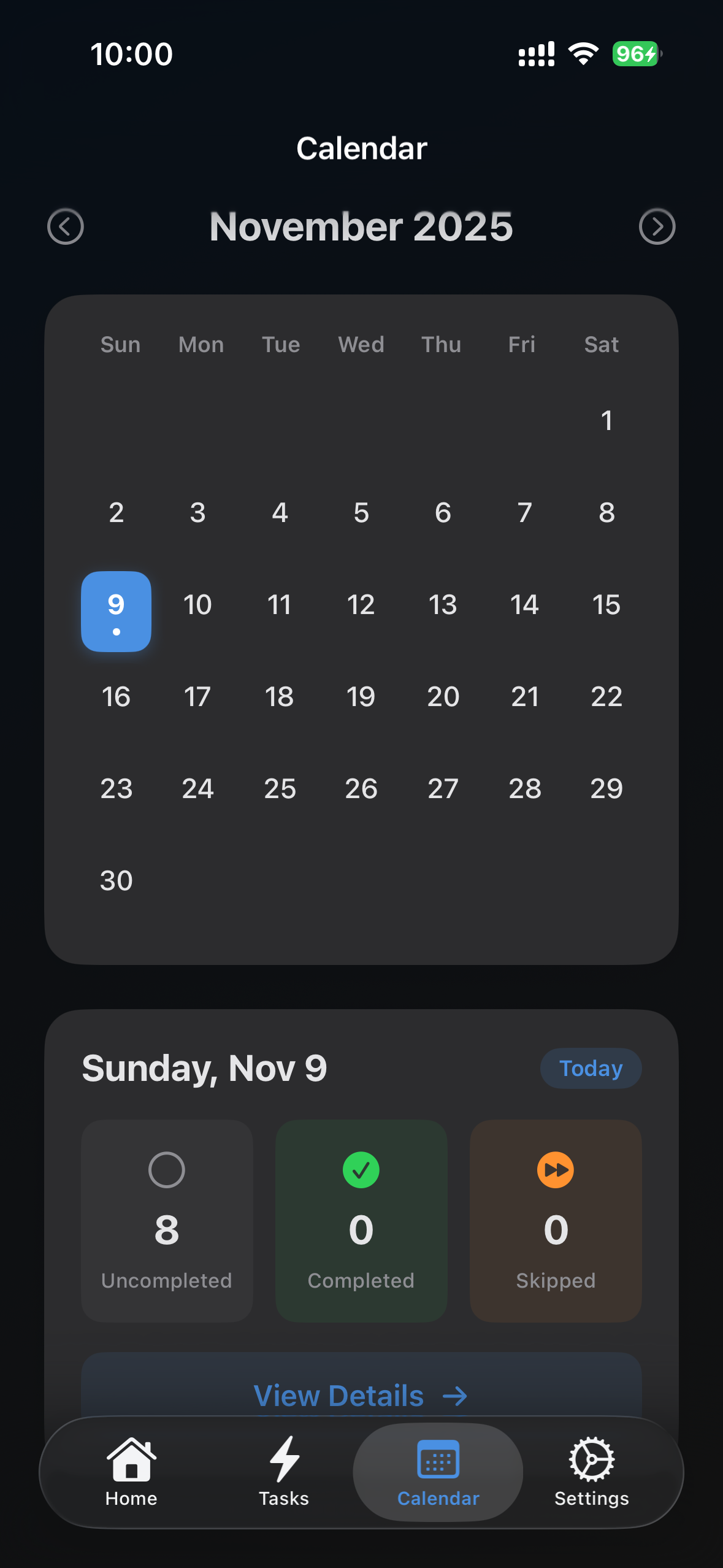
Review your task history with an intuitive monthly calendar view.
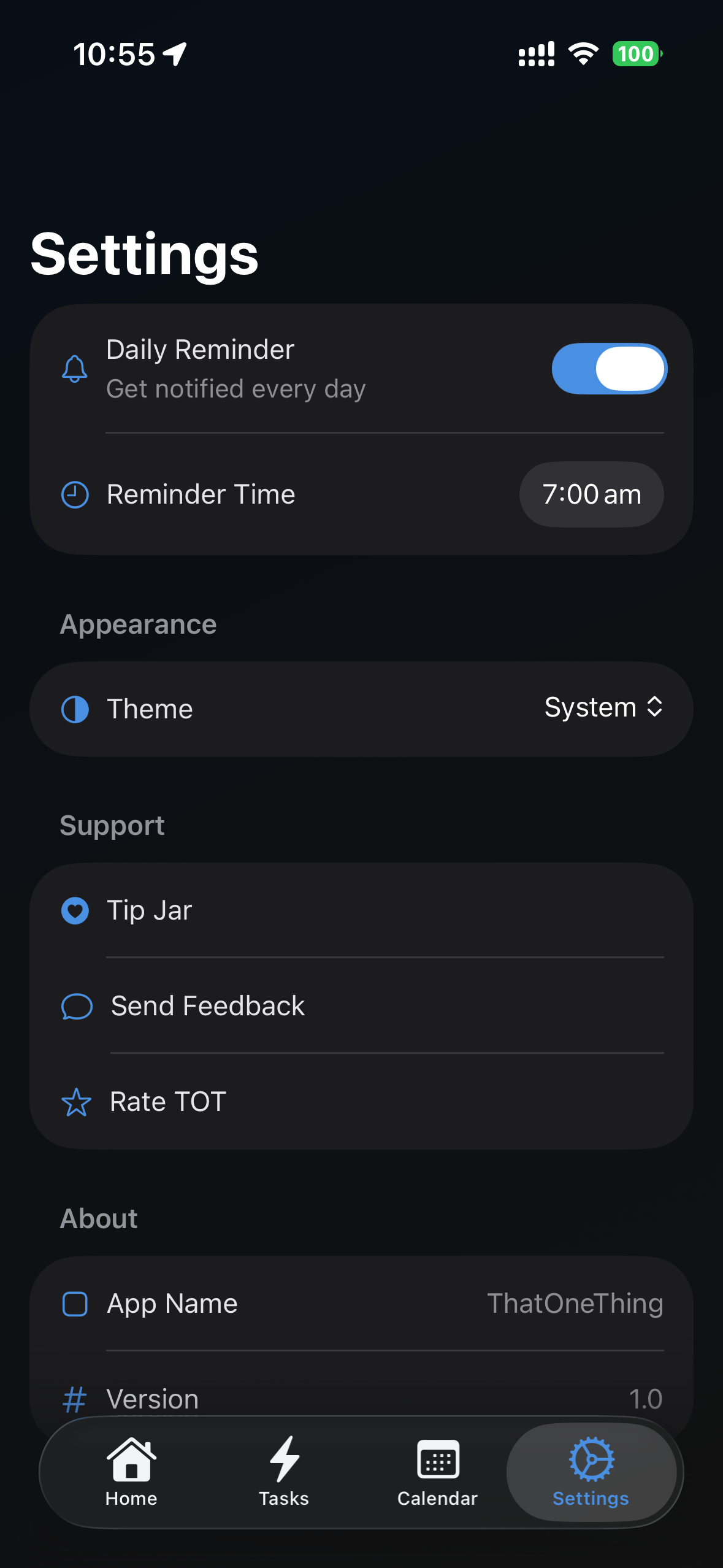
Set daily reminders to help you stay on track with your tasks.
Home
Tasks
Calendar
Settings
Last Updated: November 2025
TOT (That One Thing) ("we", "our", or "us") respects your privacy and is committed to protecting your personal information. This Privacy Policy explains how we collect, use, and safeguard your data when you use our mobile application ("App").
We use the information collected for the following purposes:
Most of your data is stored locally on your device. Only the FCM token is stored in Firebase Firestore. We rely on Google Firebase's secure infrastructure to store this data and take reasonable steps to protect it against unauthorized access or disclosure.
The FCM token is retained as long as it is required to send notifications to your device. When you uninstall the app, your token is automatically invalidated.
The app integrates with third-party services. Please refer to their privacy policies for more information:
Our app is not intended for children under the age of 13. We do not knowingly collect personal information from children.
If you are located in Australia, you have rights under the Privacy Act 1988 (Cth), including the right to access and correct your personal information. You can contact us to exercise these rights.
We may update this Privacy Policy from time to time. The latest version will always be available within the app and on our website.
If you have any questions or concerns about this Privacy Policy, please contact us at:
Email: support@caretix.app
Last Updated: November 2025
By downloading, installing, or using TOT - That One Thing ("the App"), you agree to be bound by these Terms of Use. If you do not agree to these terms, please do not use the App.
We grant you a limited, non-exclusive, non-transferable, revocable license to use the App for personal, non-commercial purposes in accordance with these Terms.
You agree to:
The App, including its design, features, content, and functionality, is owned by TOT and is protected by copyright, trademark, and other intellectual property laws. You may not copy, modify, distribute, or create derivative works based on the App.
The App is provided "as is" and "as available" without warranties of any kind, either express or implied. We do not warrant that:
To the maximum extent permitted by law, we shall not be liable for any indirect, incidental, special, consequential, or punitive damages resulting from your use or inability to use the App.
While the App stores data locally on your device, you are responsible for maintaining backups of your data. We are not responsible for any loss of data.
We reserve the right to modify, suspend, or discontinue the App at any time without notice. We may also update these Terms of Use from time to time.
We may terminate or suspend your access to the App at any time, without prior notice, for conduct that we believe violates these Terms or is harmful to other users.
These Terms shall be governed by and construed in accordance with applicable laws, without regard to conflict of law provisions.
For questions about these Terms of Use, please contact us through the Support page.
How do I create a new task?
Navigate to the Tasks tab and tap the "+" button to create a new task. Enter your task details and save.
How does the focus mode work?
The Home tab shows you only your next pending task. You can complete it or skip it to move to the next one. This helps you focus on one thing at a time.
Can I view completed tasks?
Yes! In the Tasks tab, you can see all your tasks organized by status: pending, completed, and skipped.
How do I set up reminders?
Go to Settings and enable daily reminders. Choose your preferred time, and you'll receive a push notification to help you log your tasks.
Where is my data stored?
All your data is stored locally on your device. We don't upload your tasks to any server, ensuring complete privacy.
How do I delete a task?
In the Tasks tab, swipe left on any task to reveal the delete option.
If you need additional assistance or have feedback about TOT, please reach out to us:
We're always looking to improve TOT! If you have ideas for new features or improvements, please email us with your suggestions.
Found a bug? Please email us with: